Accounts
There are no EOA's in StarkNet, all accounts are CA's. A contract account that wants to be part of StarkNet must have an Ether at its own address and then part itself.
What is an Account?
An account represents a user on the chain and enables that user to interact with the blockchain.
Through an account, you can send transactions and interact with other contracts. In order for you to own an on-chain asset, such as an ERC-20 token or NFT, the asset must be associated with your account address.
Process for deploying an account
In order to deploy a new account on StarkNet, you need to complete the following steps:
- Decide which account contract you want to deploy
- Calculate your potential account address down the chain
- Send funds to this address
- Once this address has enough funds to cover the deployment, you can send the transaction deploy_account.
by default, madara has integrated an account contract
The Class Hash for this contract is: 0x6280083f8c2a2db9f737320d5e3029b380e0e820fe24b8d312a6a34fdba0cd.
What is Class Hash
Class Hash is an important concept in StarkNet. class hash is a hash value that uniquely identifies the code of a StarkNet contract. starkNet hashes the code of a contract into a fixed length value and uses this value to represent the contract. This helps ensure the uniqueness and security of the contract and allows for efficient state updates and validation on the chain.
A more detailed description of contract class_hash can be found in the starknet documentation
Creating an account
Initialise the first account
When running madara in the development environment, follow these steps to initialise the first account
sncast --url http://127.0.0.1:9944 \
    account add \
    --name 0x3 \
    --address 0x3 \
    --private-key 0x00c1cf1490de1352865301bb8705143f3ef938f97fdf892f1090dcb5ac7bcd1d
Deploy account via public key
sncast \
    --account 0x3 \
    --url http://127.0.0.1:9944 \
    deploy \
    --class-hash "0x6280083f8c2a2db9f737320d5e3029b380e0e820fe24b8d312a6a34fdba0cd" \
    --constructor-calldata "<PublicKey>"
Example
PublicKey 0x254020ae8af1612e53737a32275ad03b91e55467924a9c7de7915cba856d61
You can replace this public key with your own public key
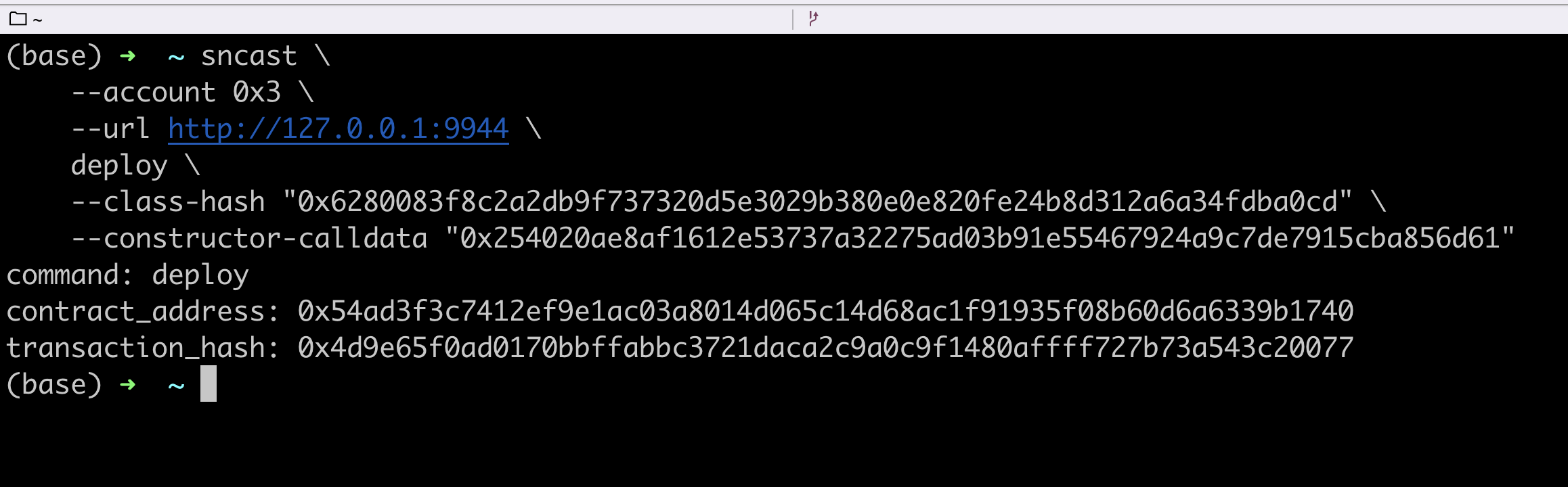
The contract address is your account address
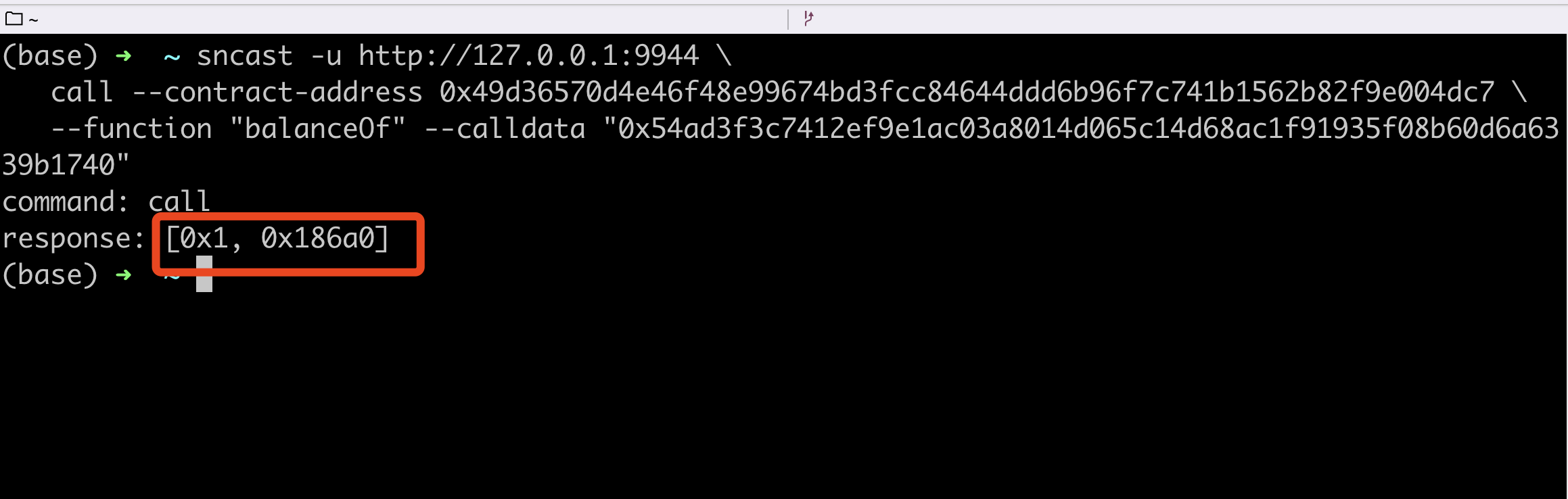
Get the account balance
Token contracts are integrated with madara by default. Contract address contract-address is 0x49d36570d4e46f48e99674bd3fcc84644ddd6b96f7c741b1562b82f9e004dc7.
The address of this Token contract --contract-address is
0x49d36570d4e46f48e99674bd3fcc84644ddd6b96f7c741b1562b82f9e004dc7.
Default integration into Madara
sncast -u http://127.0.0.1:9944 \
   call --contract-address 0x49d36570d4e46f48e99674bd3fcc84644ddd6b96f7c741b1562b82f9e004dc7 \
   --function "balanceOf" --calldata <YourAddress>
As you can see, the account balance for this new deployment is 0
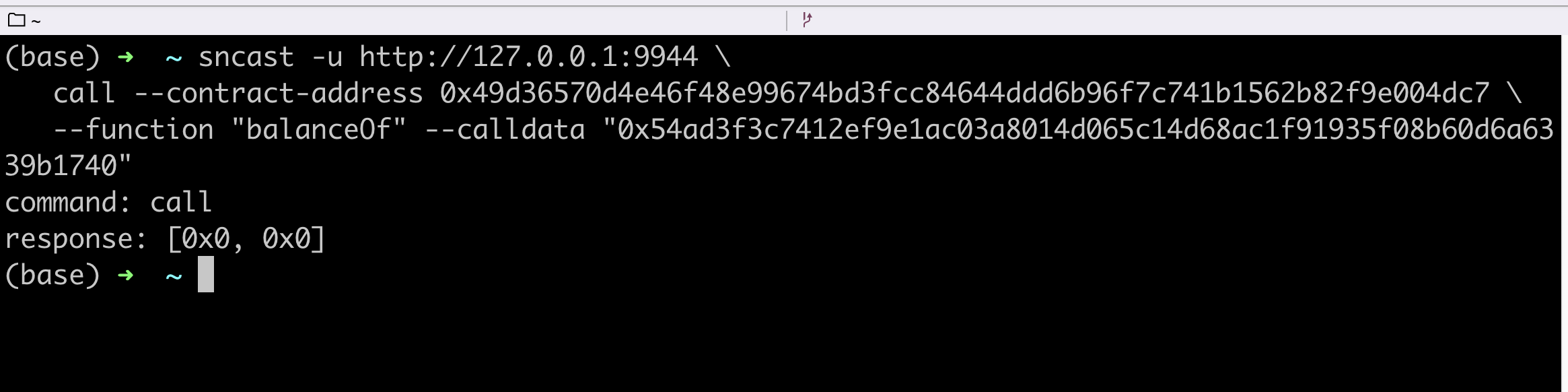
Calling the transfer
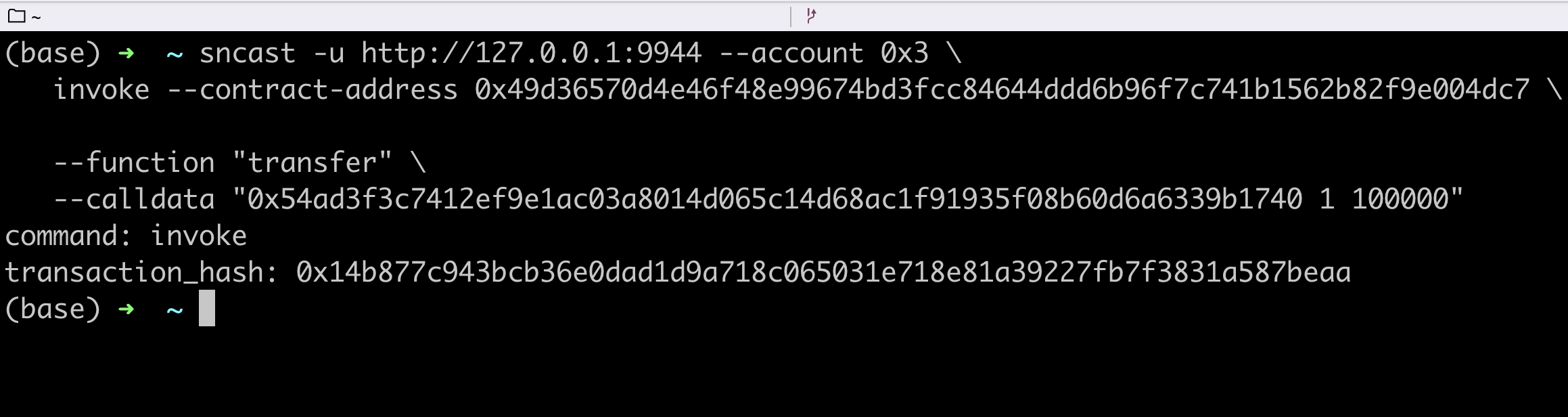
Now we use the first initial account, 0x3, to transfer some balance to this newly deployed account.
sncast -u http://127.0.0.1:9944 --account 0x3 \
   invoke --contract-address 0x49d36570d4e46f48e99674bd3fcc84644ddd6b96f7c741b1562b82f9e004dc7 \
   --function "transfer" \
   --calldata "<YourAddress> 1 100000"
Checking the balance again, you can see that the account now has a balance