AppChain
Sign up for AppChain
Visit: https://appchainbridge.pages.dev/register
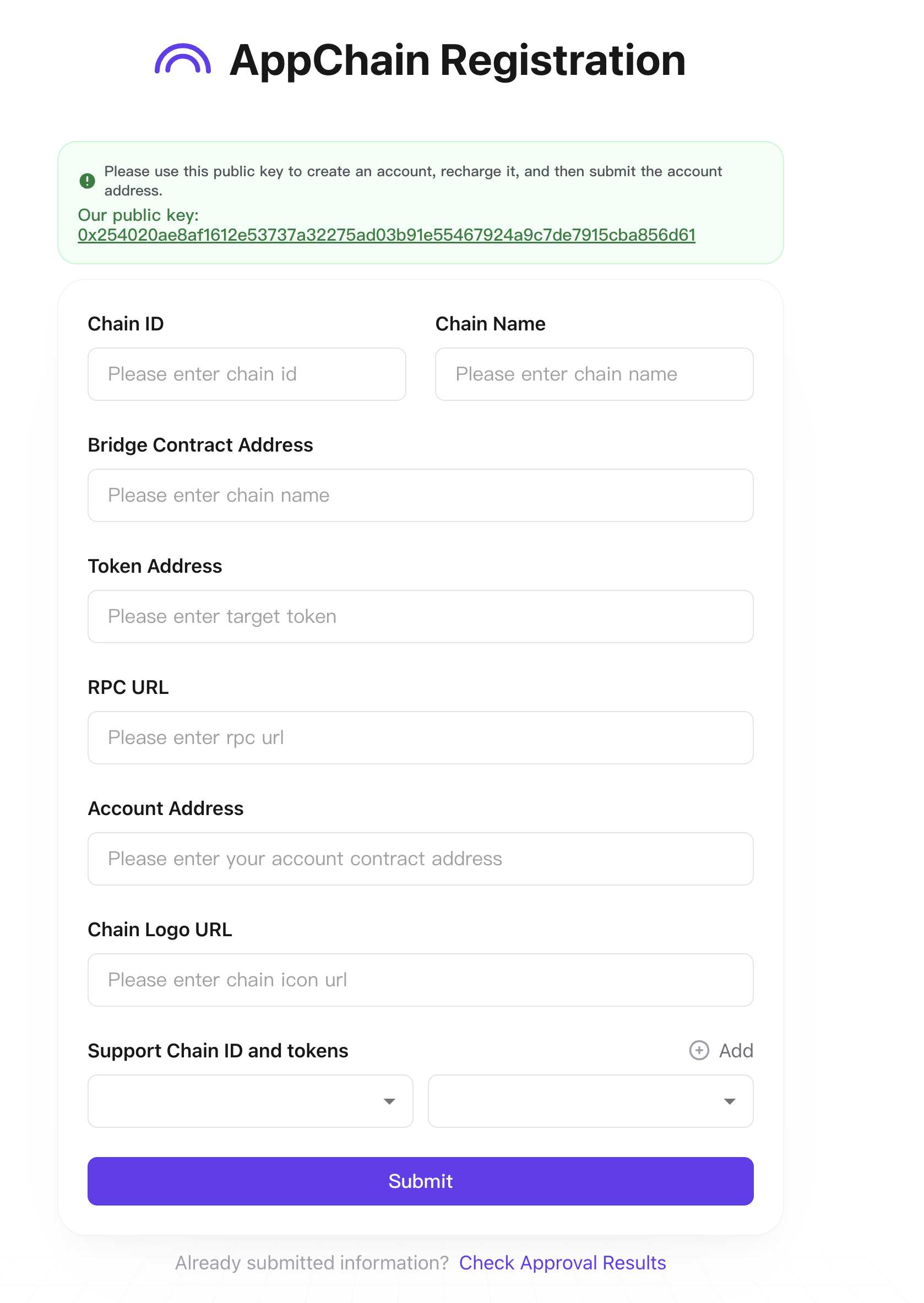
Bridge Contract Address
The bridge contract is the "contract_address" after successfully deploying the bridge contract in the previous chapter "Contracts".
See Contract Deployment Documentation for details.
Token Address
Token address is a default token contract that comes with madara. This address is the same as the address on starknet
The default is (0x49d36570d4e46f48e99674bd3fcc84644ddd6b96f7c741b1562b82f9e004dc7)
Account Address
The account address is the address of the account you successfully deployed on madara in the previous section.
Note that the public key of the deployed account must be the public key shown on the page.
0x254020ae8af1612e53737a32275ad03b91e55467924a9c7de7915cba856d61

For more details, see Create Account
RPC URL
The RPC URL is the public IP address or domain name of your deployed madara node.
Ensure that --rpc-cors all is turned on when you start the madara node.
Submit
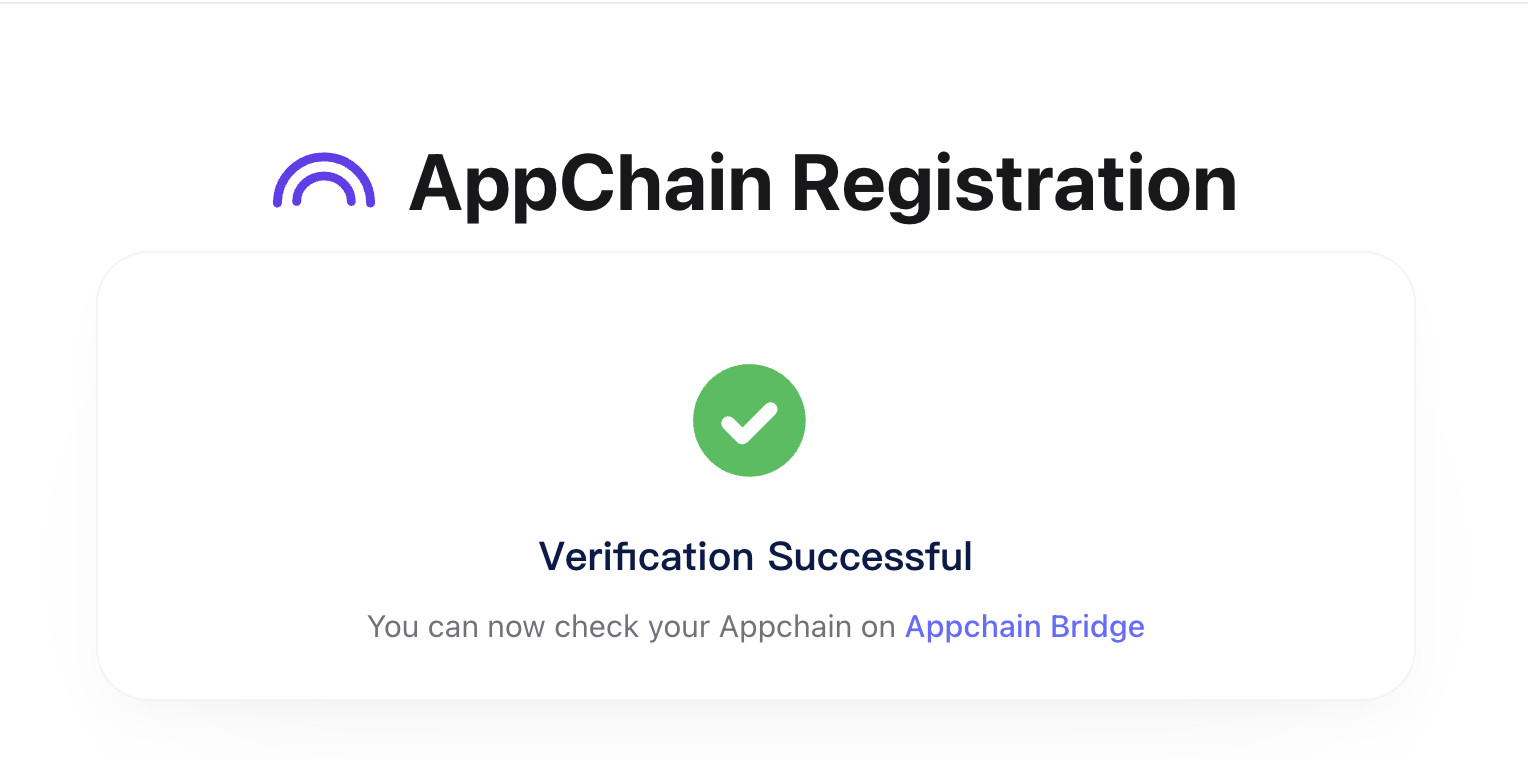
Successfully submitted and waiting for administrator review
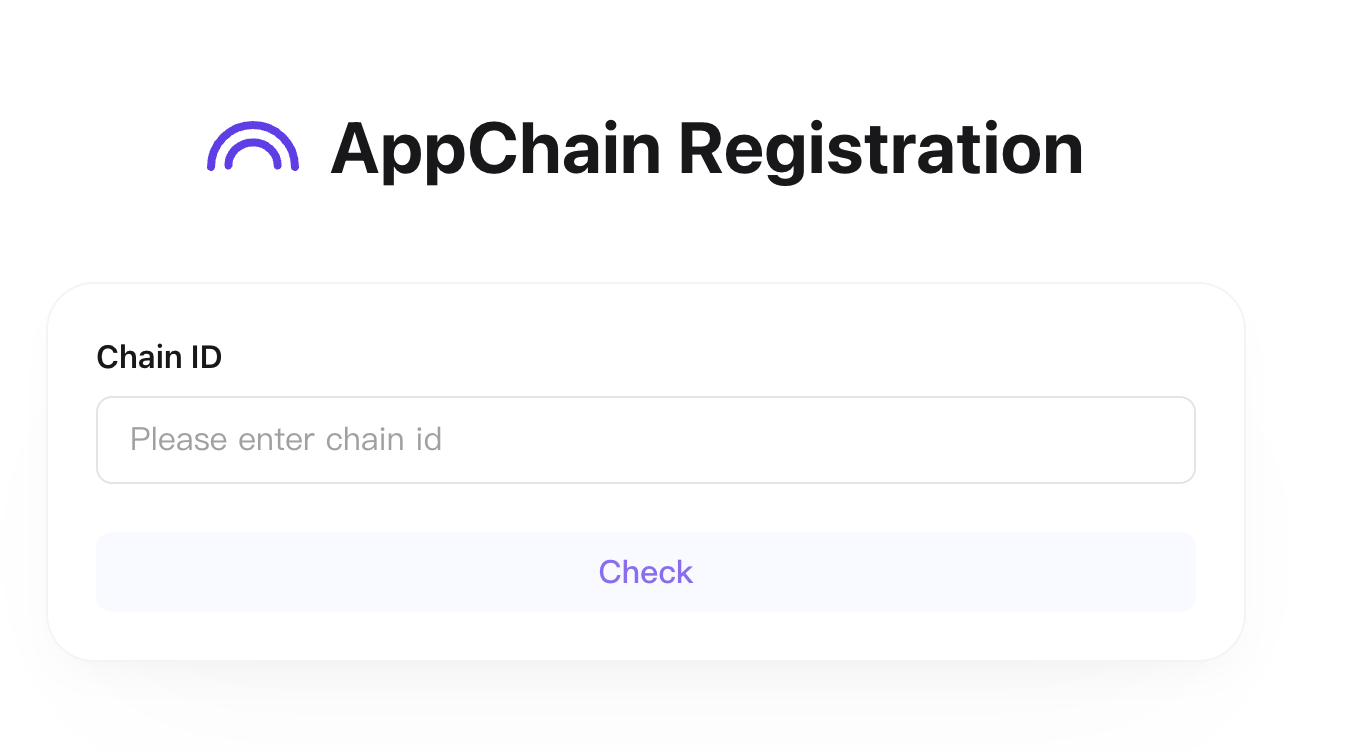
Check Registration Result
You can check the review result at
https://appchainbridge.pages.dev/check
Register a new account with madara
Before transferring, create a new account
Deploying accounts via release keys
sncast \
    --account 0x3 \
    --url http://127.0.0.1:9944 \
    deploy \
    --class-hash "0x6280083f8c2a2db9f737320d5e3029b380e0e820fe24b8d312a6a34fdba0cd" \
    --constructor-calldata "<PublicKey>"
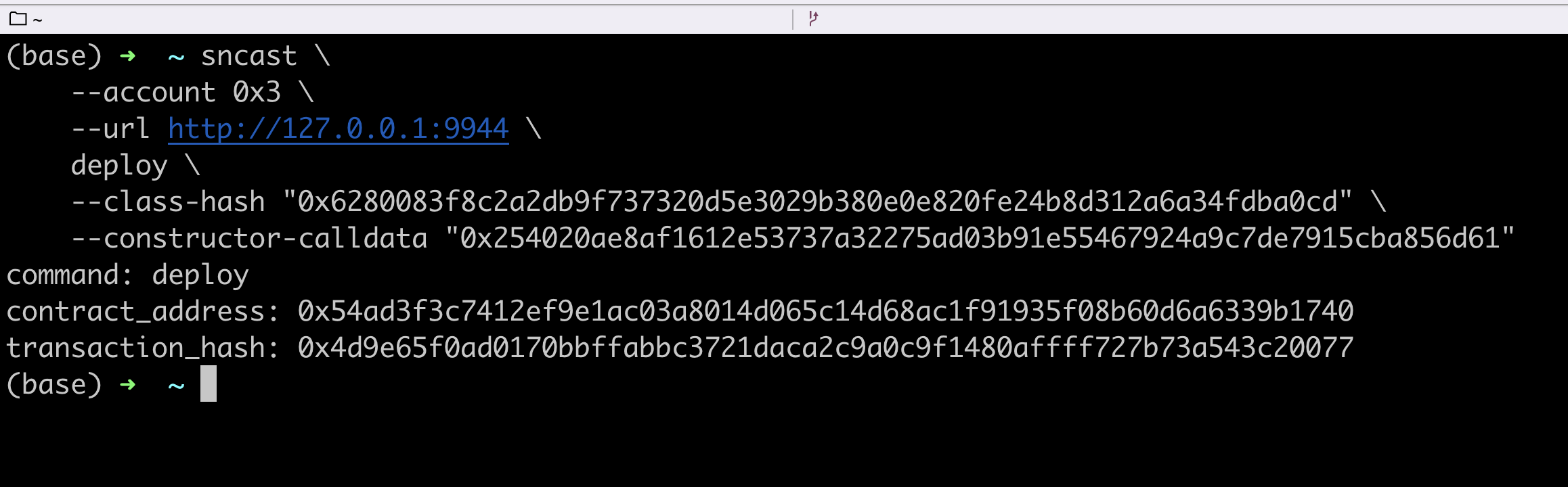
Contract address is your account address
As you can see, the account balance for this new deployment is 0
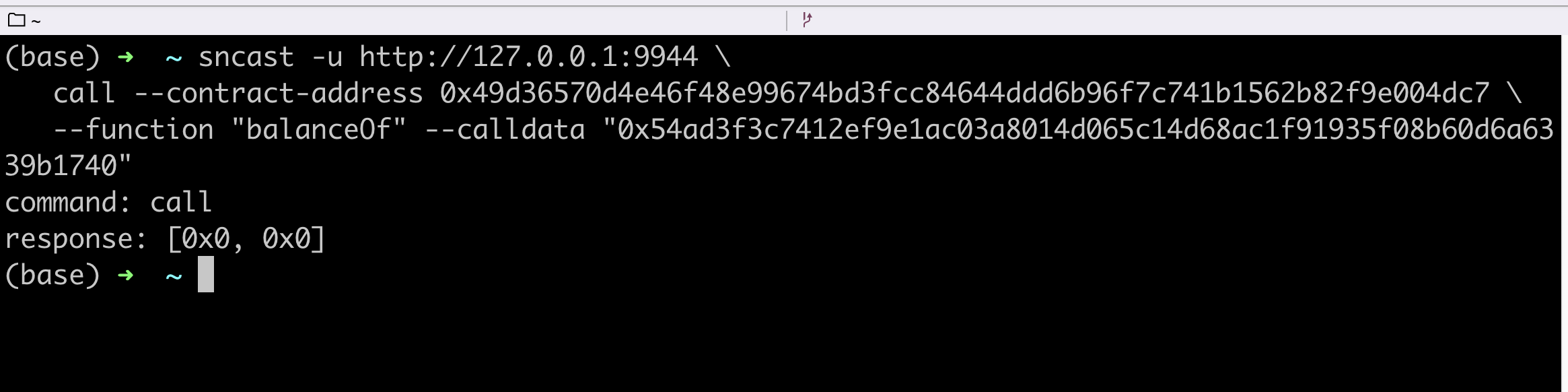
For more details see the account documentation
Transfer
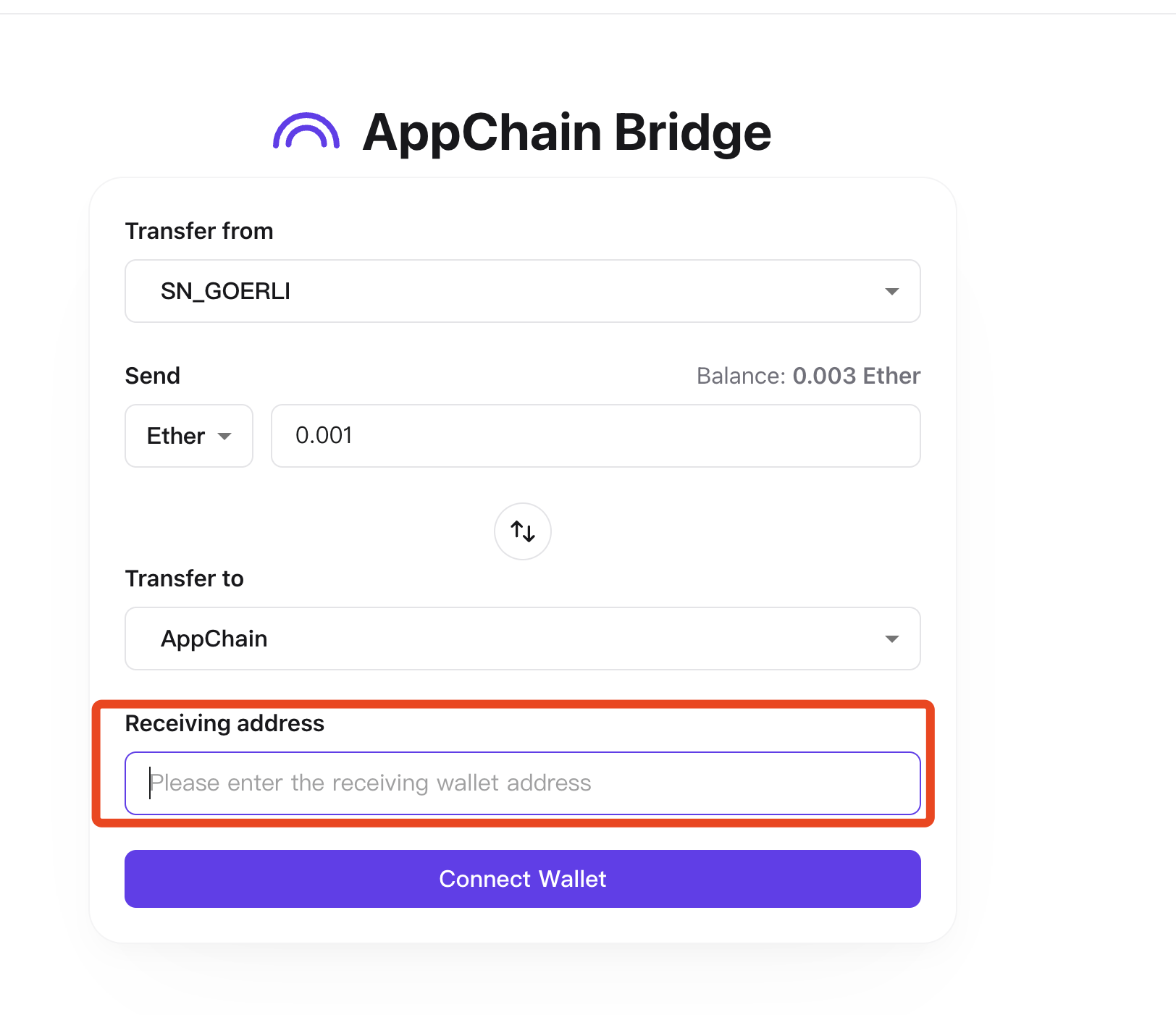
The receiving address is the address of the account you just registered.
Search for transfer records on starknet
Visit: https://goerli.voyager.online/
Searching for transfers using the starknet wallet
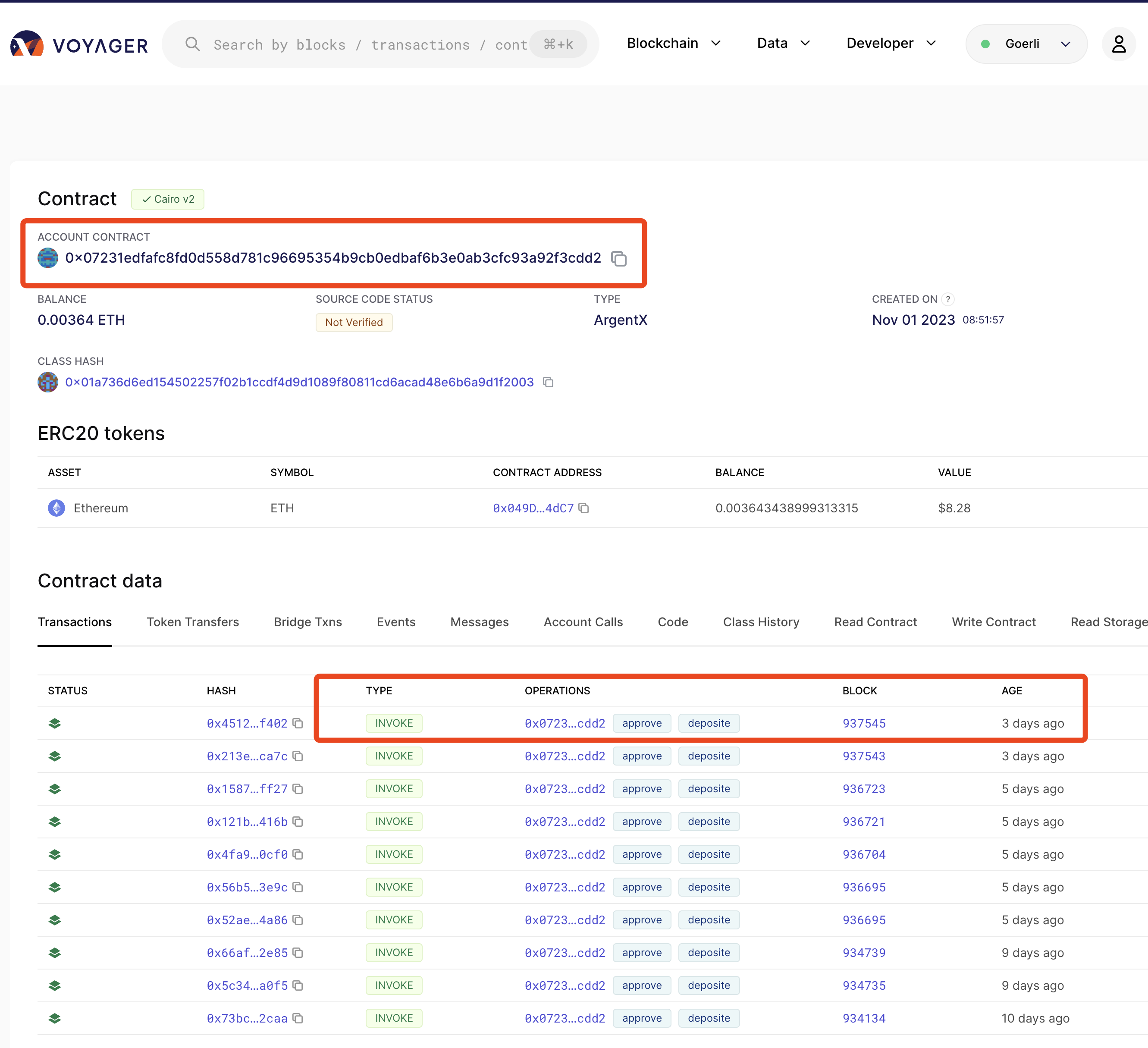
This can take anywhere from a few minutes to 10 minutes.
After the transfer is successful, you can view the balance change of the new account created in madara
Search results
sncast -u http://127.0.0.1:9944 \
   call --contract-address 0x49d36570d4e46f48e99674bd3fcc84644ddd6b96f7c741b1562b82f9e004dc7 \
   --function "balanceOf" --calldata "<YourAddress>"
More details [see account documentation] (/docs/account/deploy#get-balance-of-this-account)
